vitaminwater:
Label Me A Winner Experience
Hydration that’s out of the box, but in a bottle.
”Putting creatives back in control into the hands that consume vitaminwater.”
— vitaminwater
OPPORTUNITY
Vitaminwater approached us to the Label Me a Winner Campaign. They asked the Spredfast team to create a platform for experimenters — where variety is valued and their voices are heard.
Vitaminwater is celebrating their consumers’ individuality through this contest because “there’s no us without them. So it’s only right to put the “pop” back in “population” by putting creatives back in control into the hands that consume vitaminwater.”
GOALS
01 — Engage fans to participate in the label creation process
02 — Create a dynamic user experience that allow users to customize labels to submit to VitaminWater and share on social.
ROLE
I led the conceptual design all the way through final design.
Project Details
Client: vitaminwater
Timeline: 2 weeks
Website: labelmeawinner.com
Where: Mass Relevance>Spredfast (now Khoros)
Contribution
Design Lead
UX /UI Design
Concept Design
New Business
Wireframes
Prototyping
Team
Me, UX/UIDesigner
Jessica M., Technical Project/Design Manager
Nicole A., Digital Producer
Michelle C., Digital Producer
Ricardo L., Digital Director
Giancarlo P., Developer
Megan P., QA
Whiteboard Session
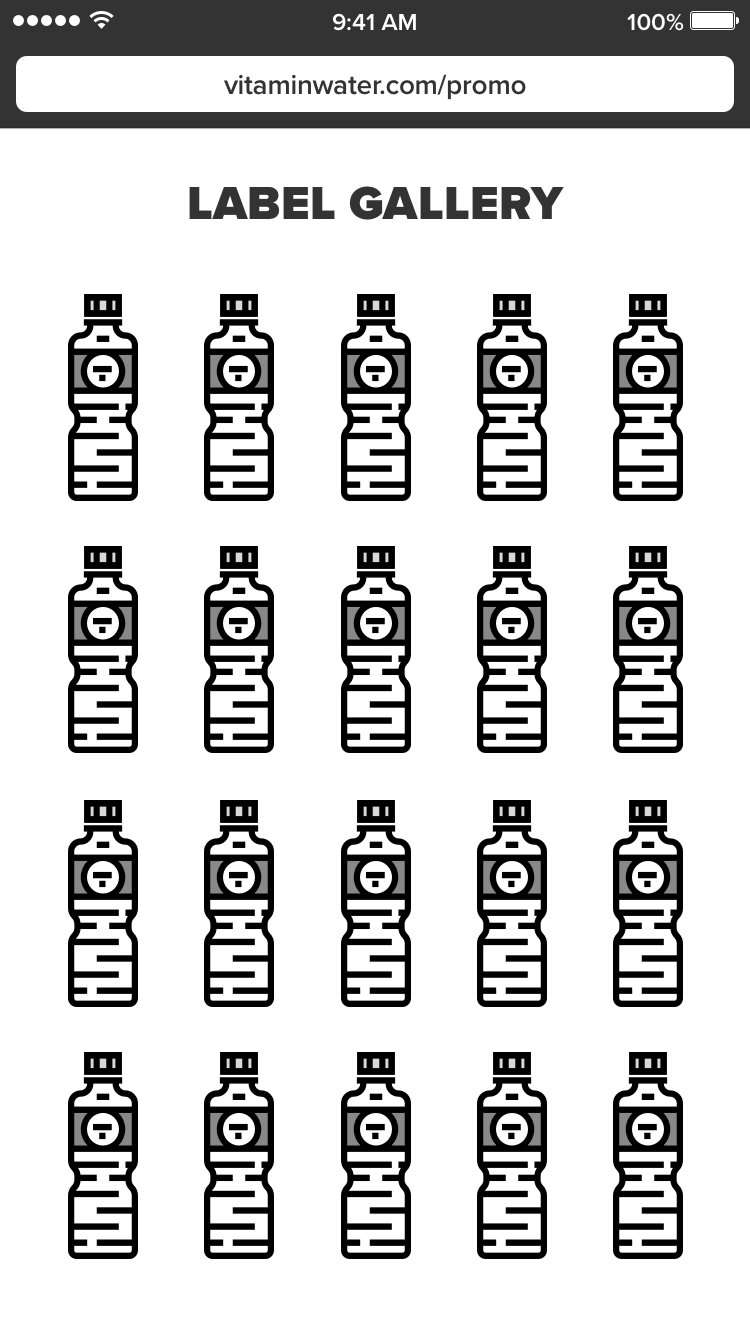
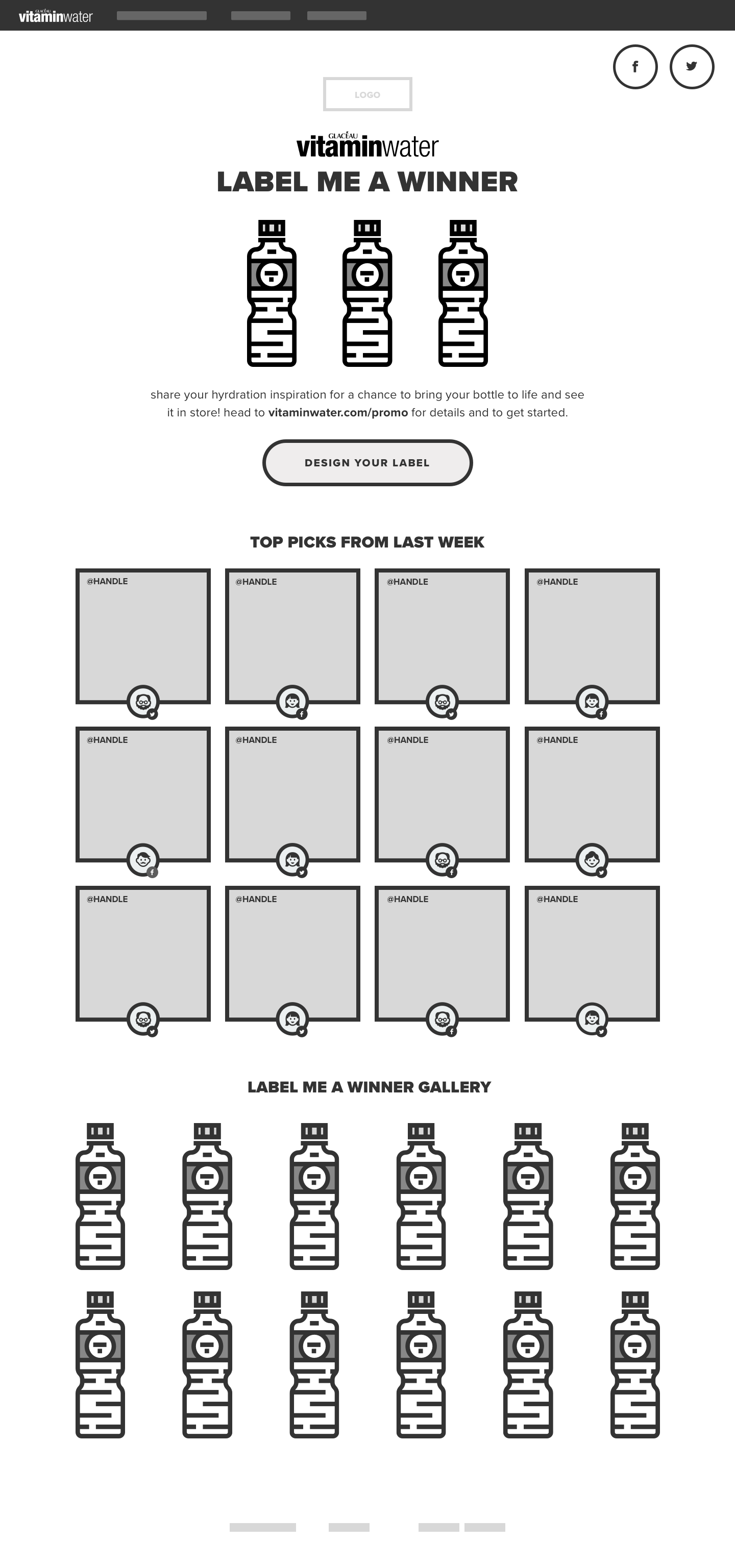
Our ideation session consisted of our digital producer, digital director, QA, technical project manager and developer. We wanted the user to be inspired by a gallery of custom labels when they first visit the site followed by a step-by-step process to customize the label.
First General Steps
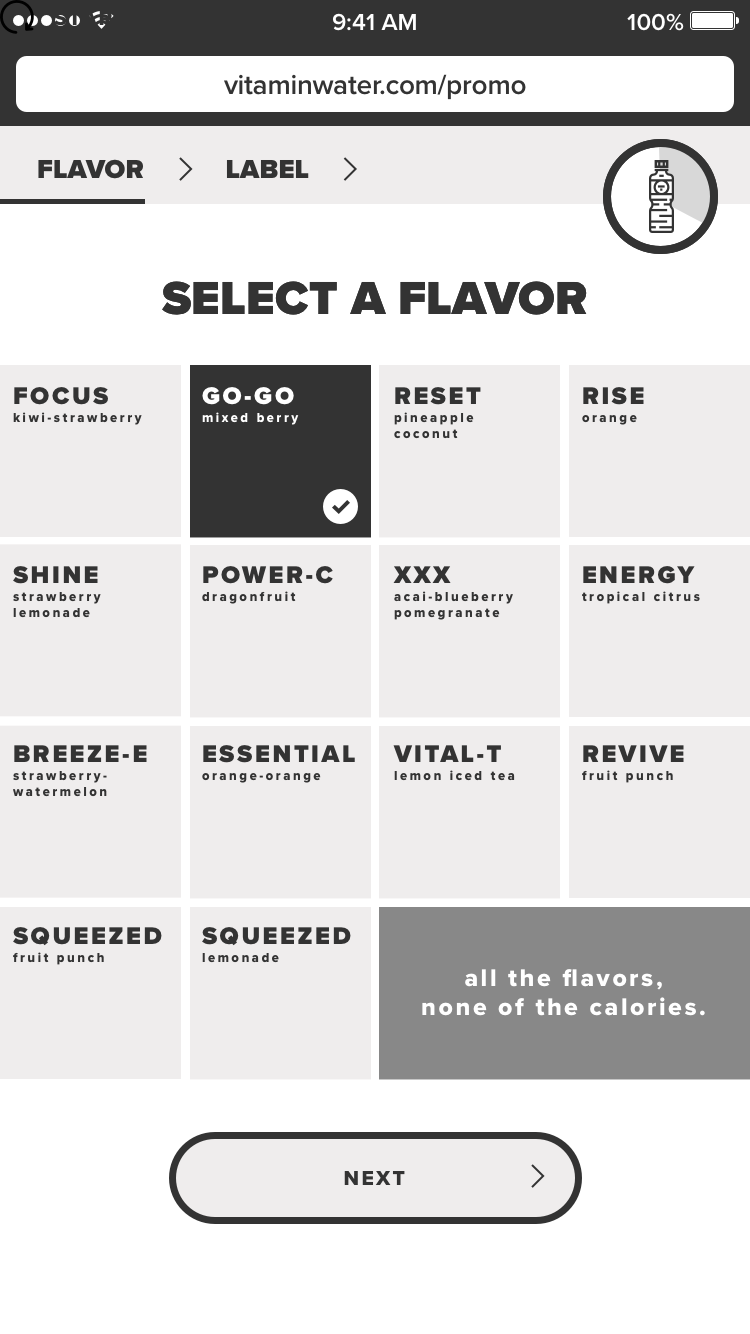
O1 — Pick a flavor
O2 — Type message on label
O3 — Customize label with design presets (font, emojis, color)
04 — Share on Twitter or Facebook
Gallery concept coming to life
First General Steps
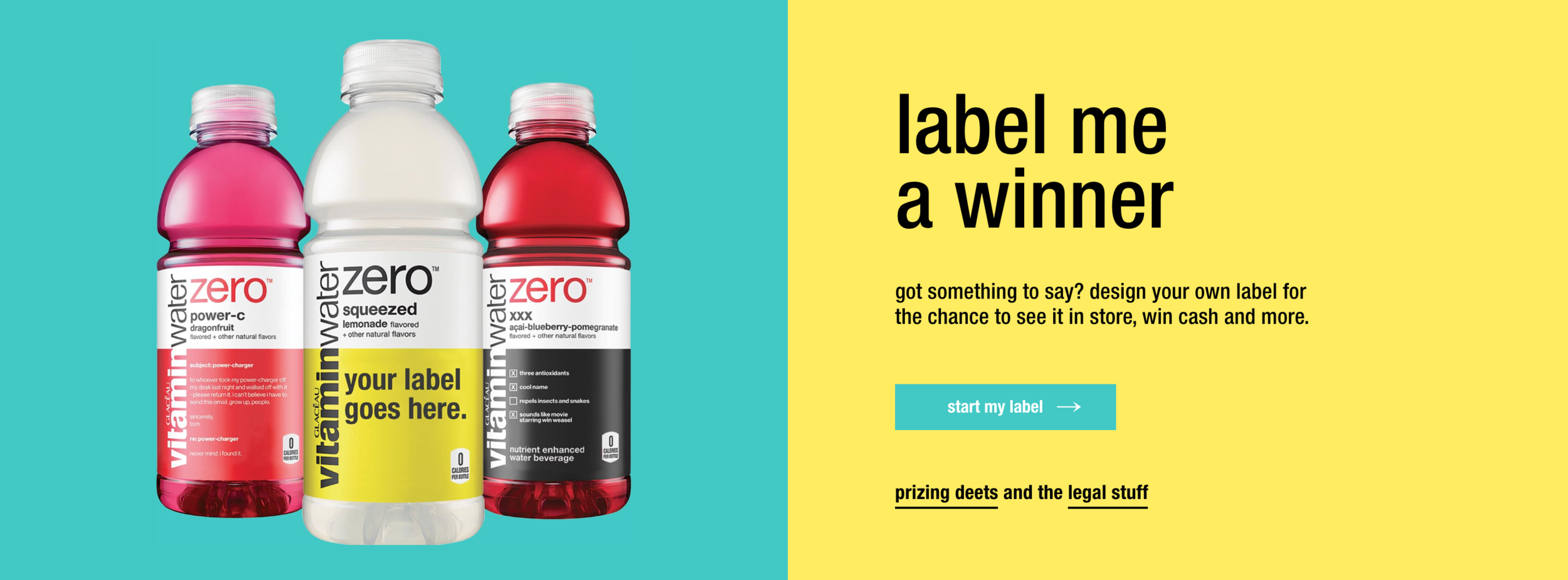
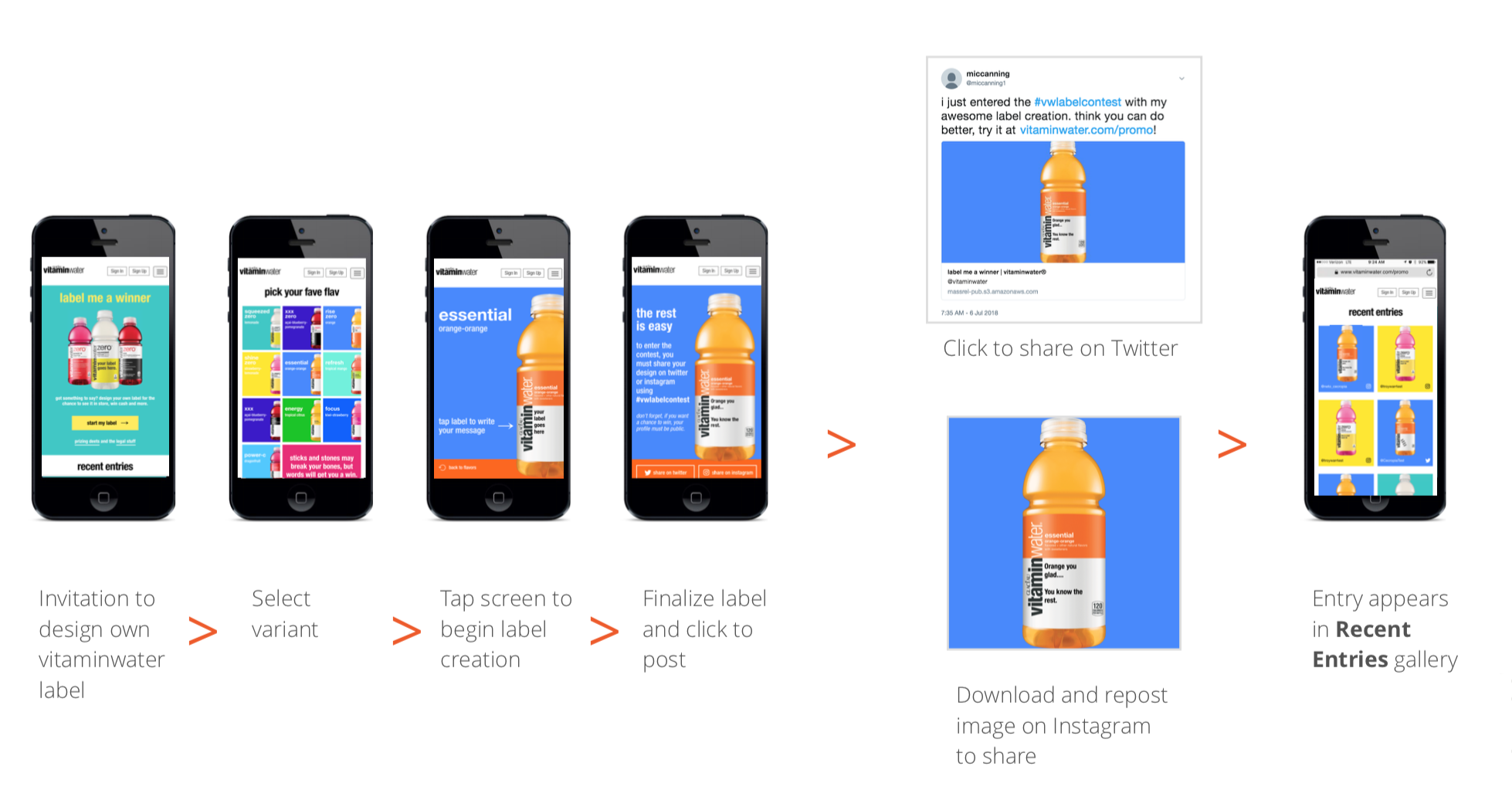
01 – The journey starts with an invitation to design your own VitaminWater label.
02 – Select a flavor to customize.
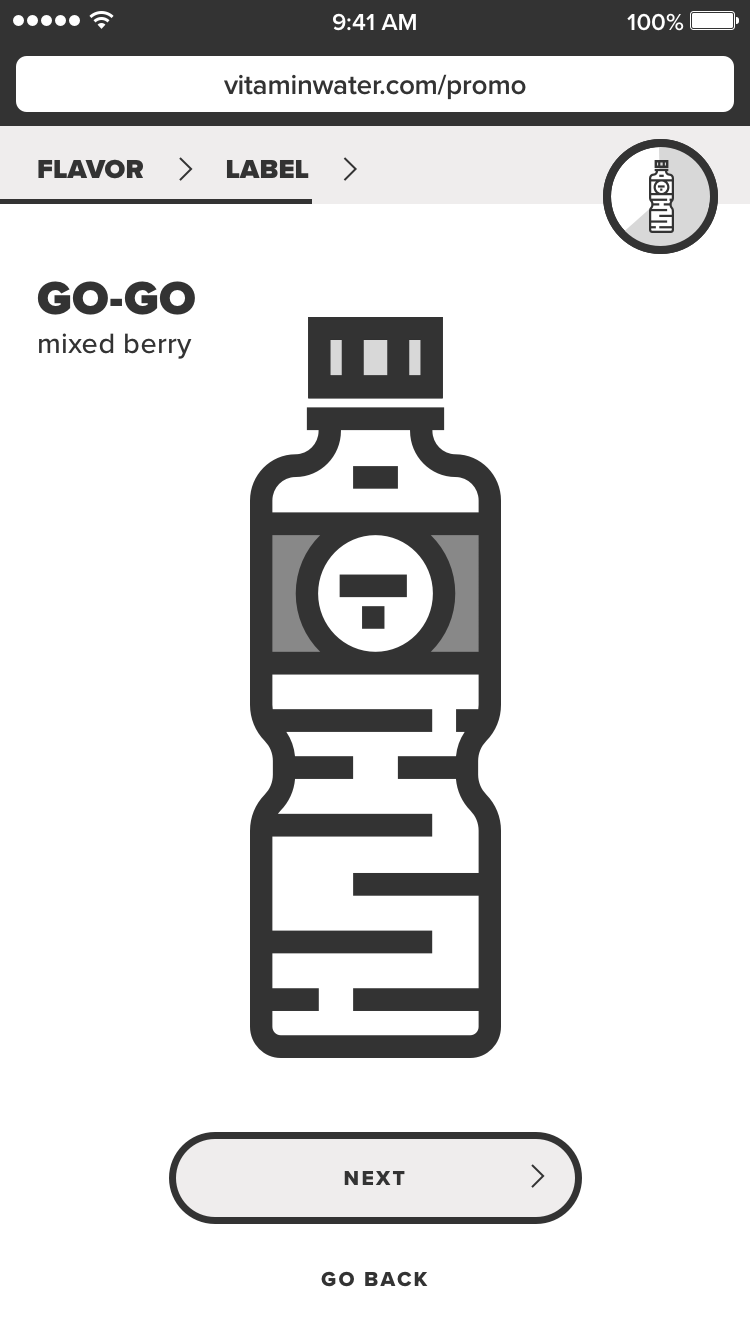
03 – Tap screen to begin.
04 – Enter text for label customization.
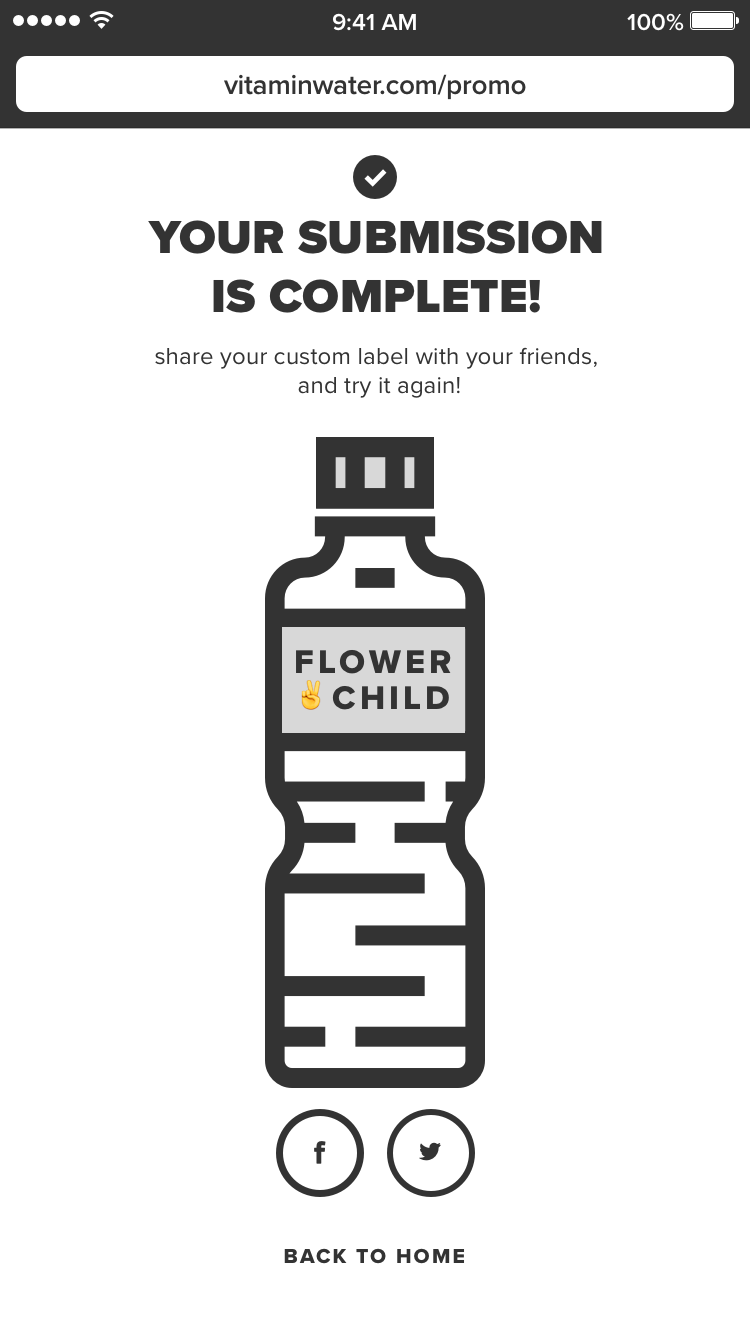
05 – Generate a customized label for preview.
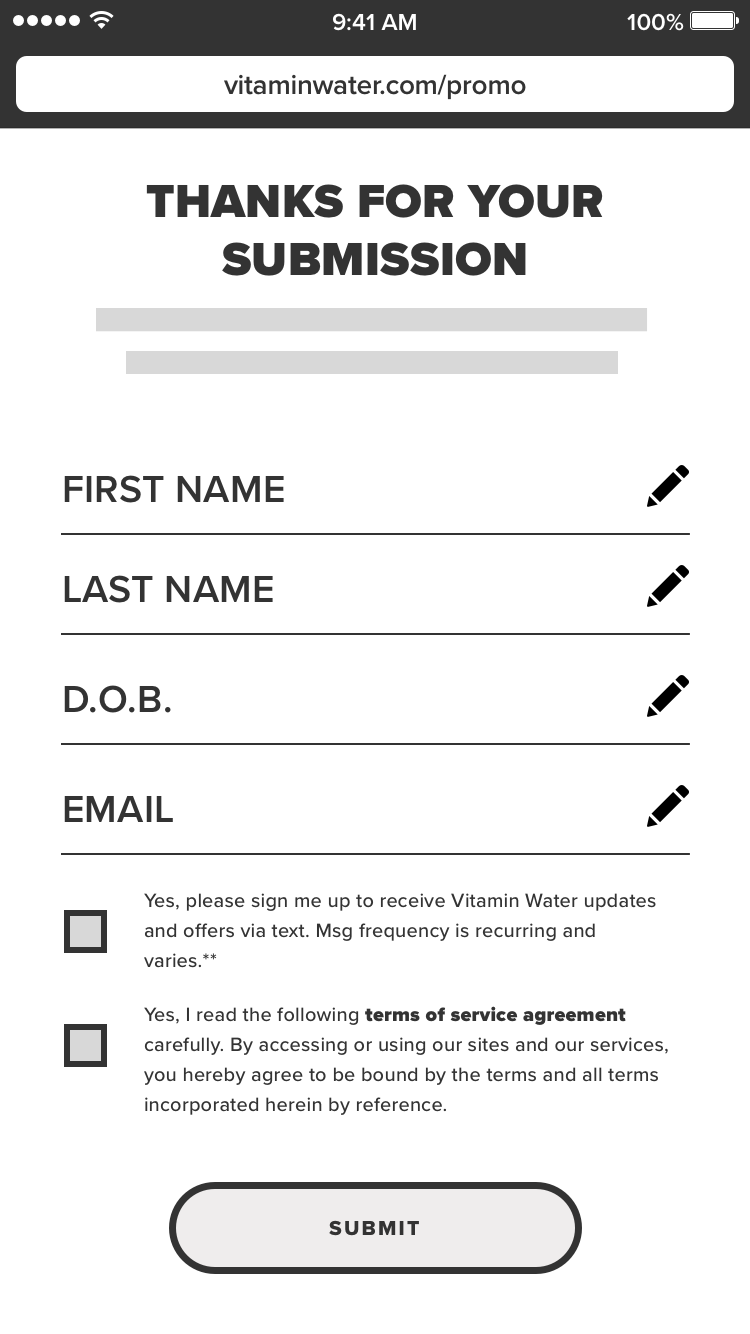
06 – Enter information such as full name, date of birth (to find target audience) and email address.
07 – Submit your entry.
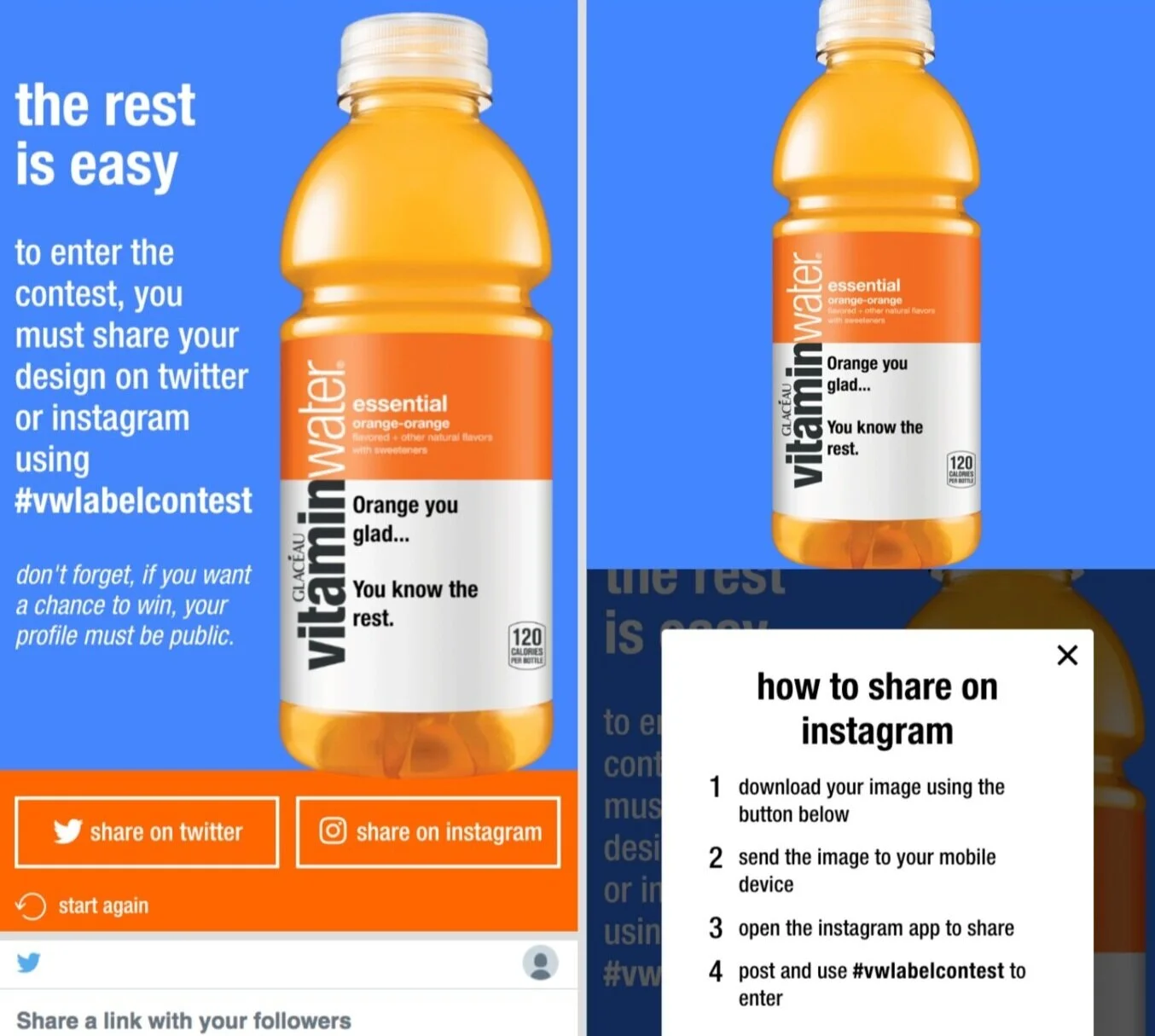
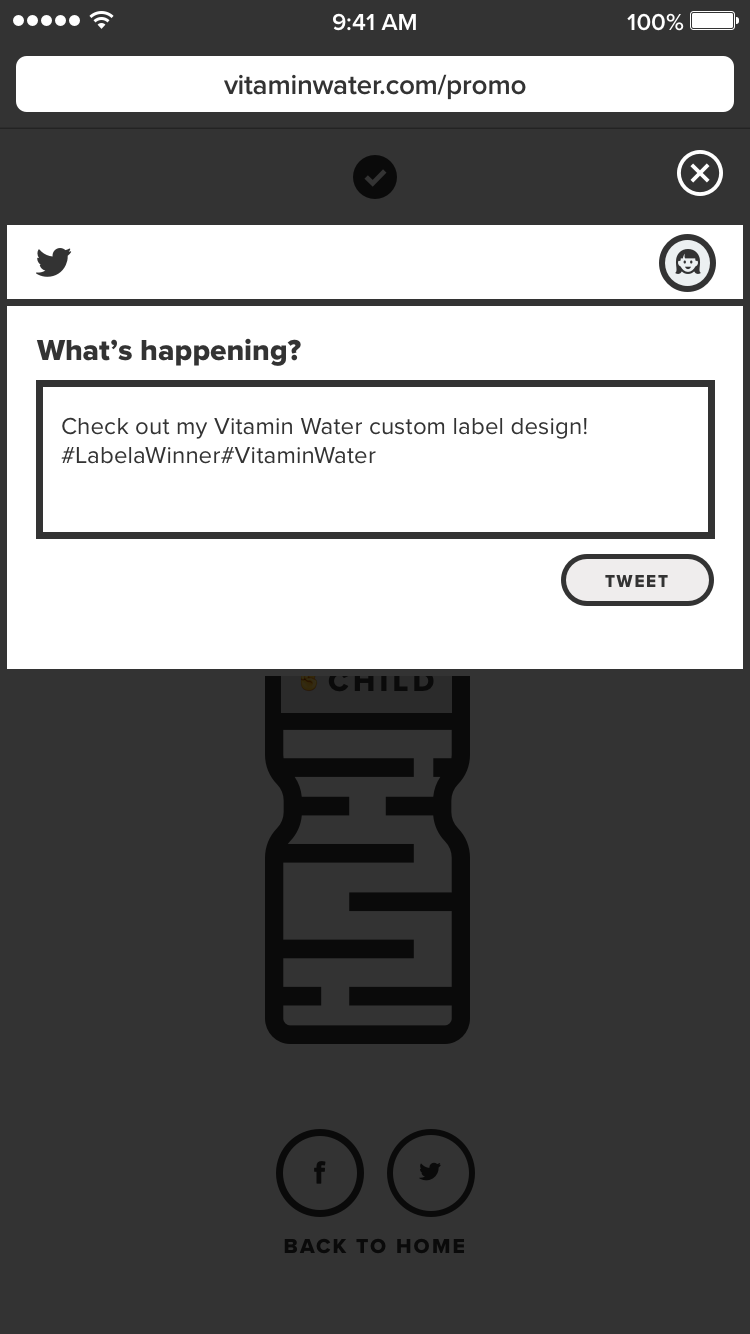
08 – Ability to share your label on Twitter and/or Instagram.
09 – Entry appears in Recent Entries Gallery
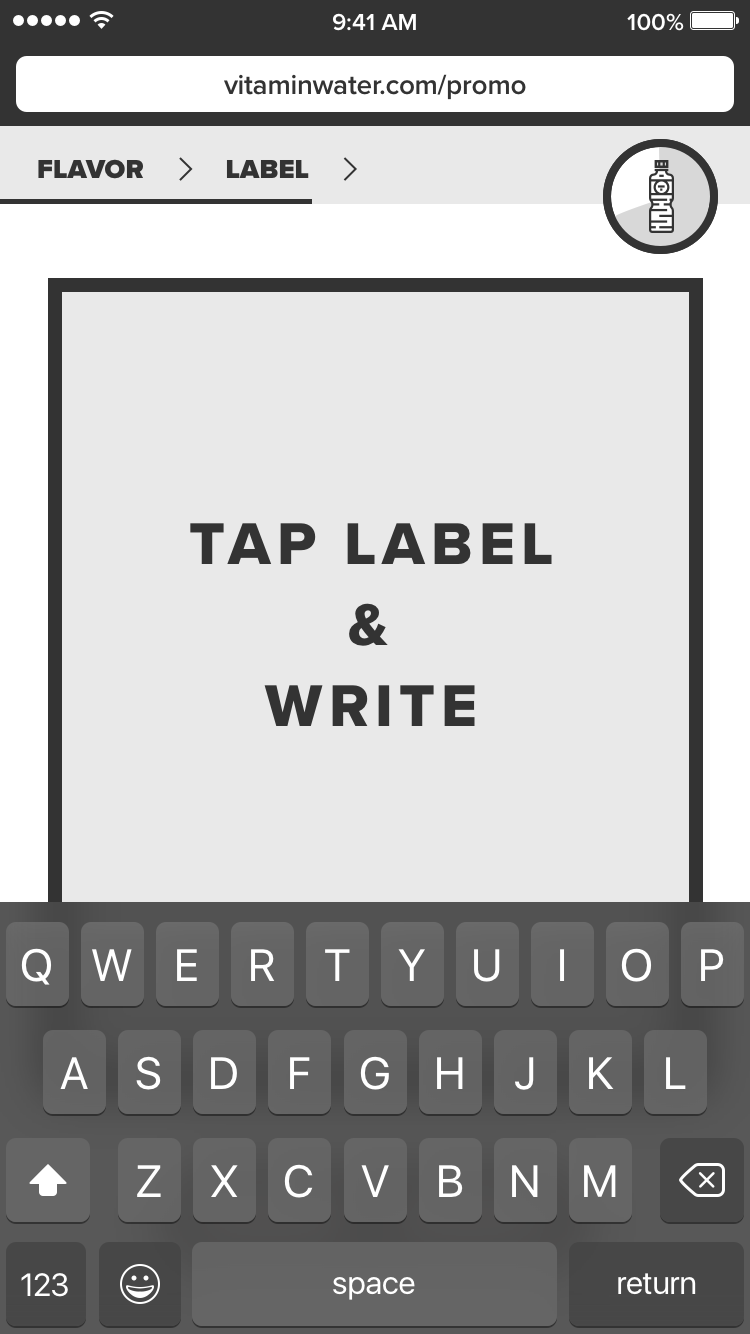
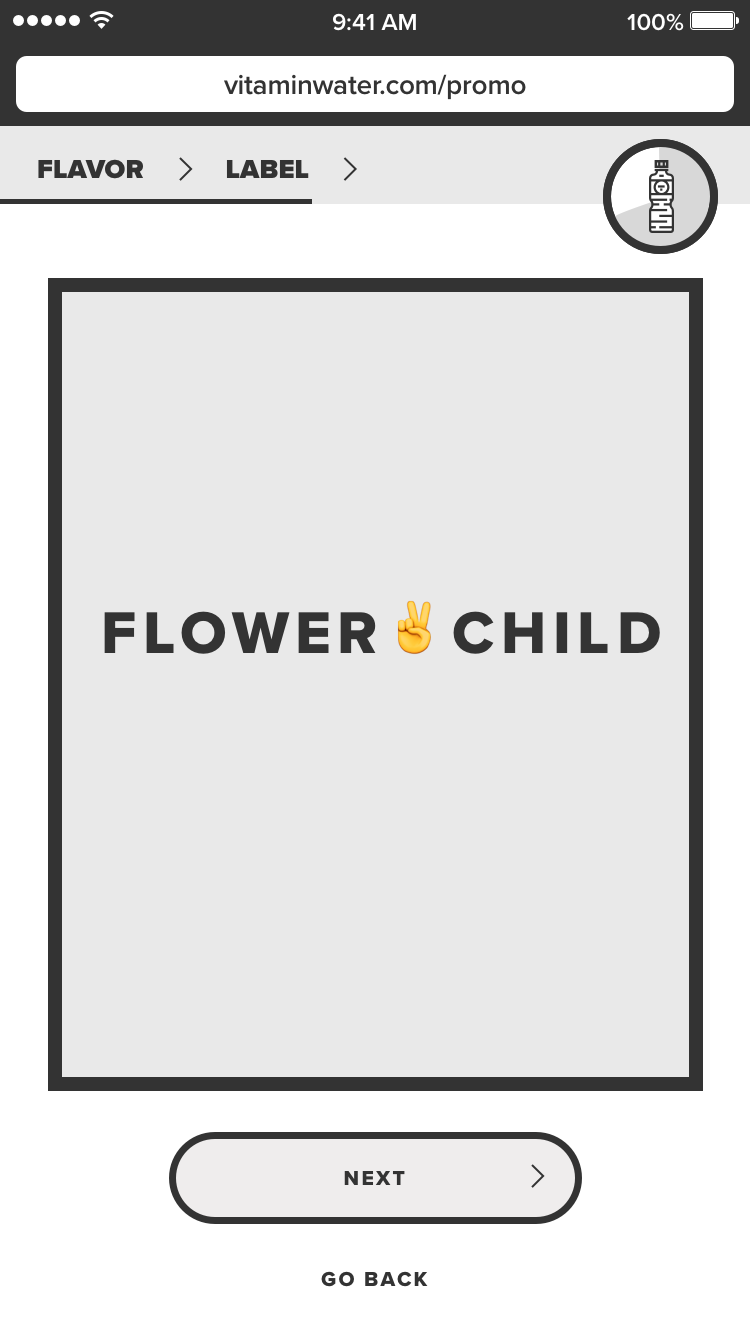
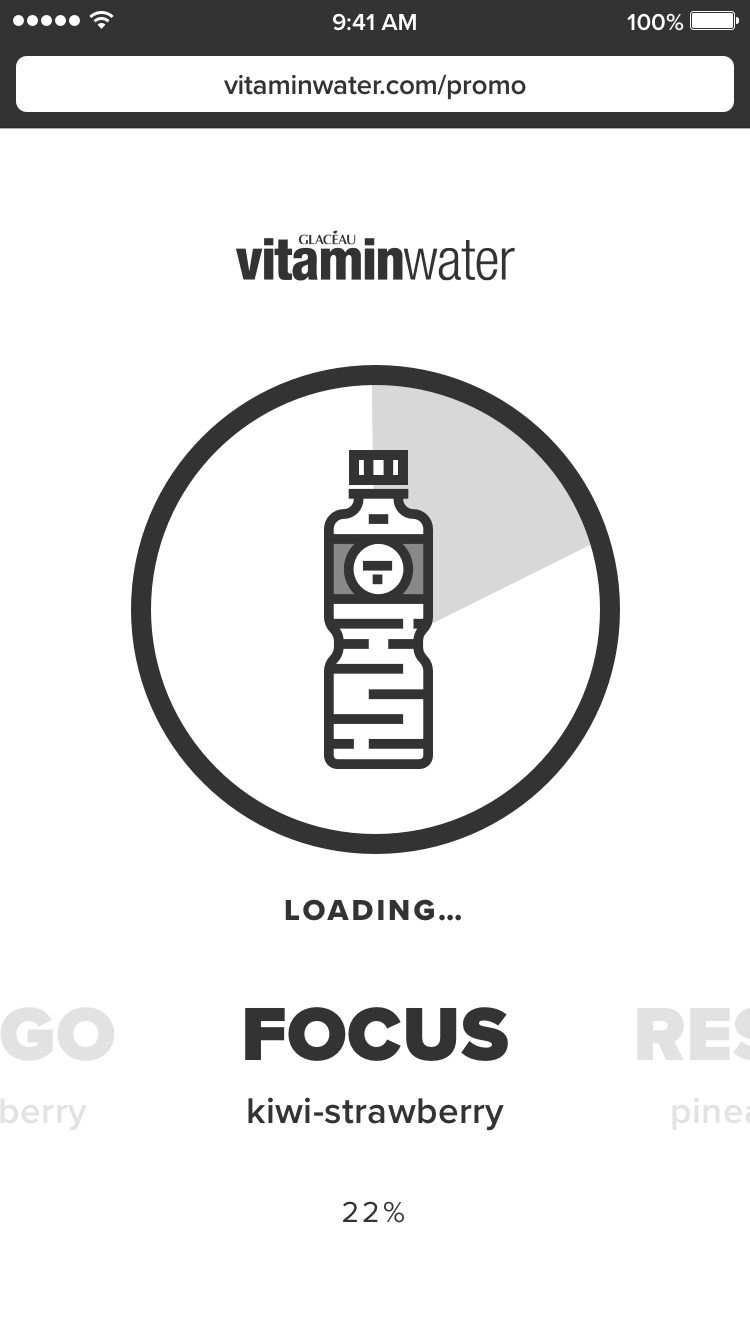
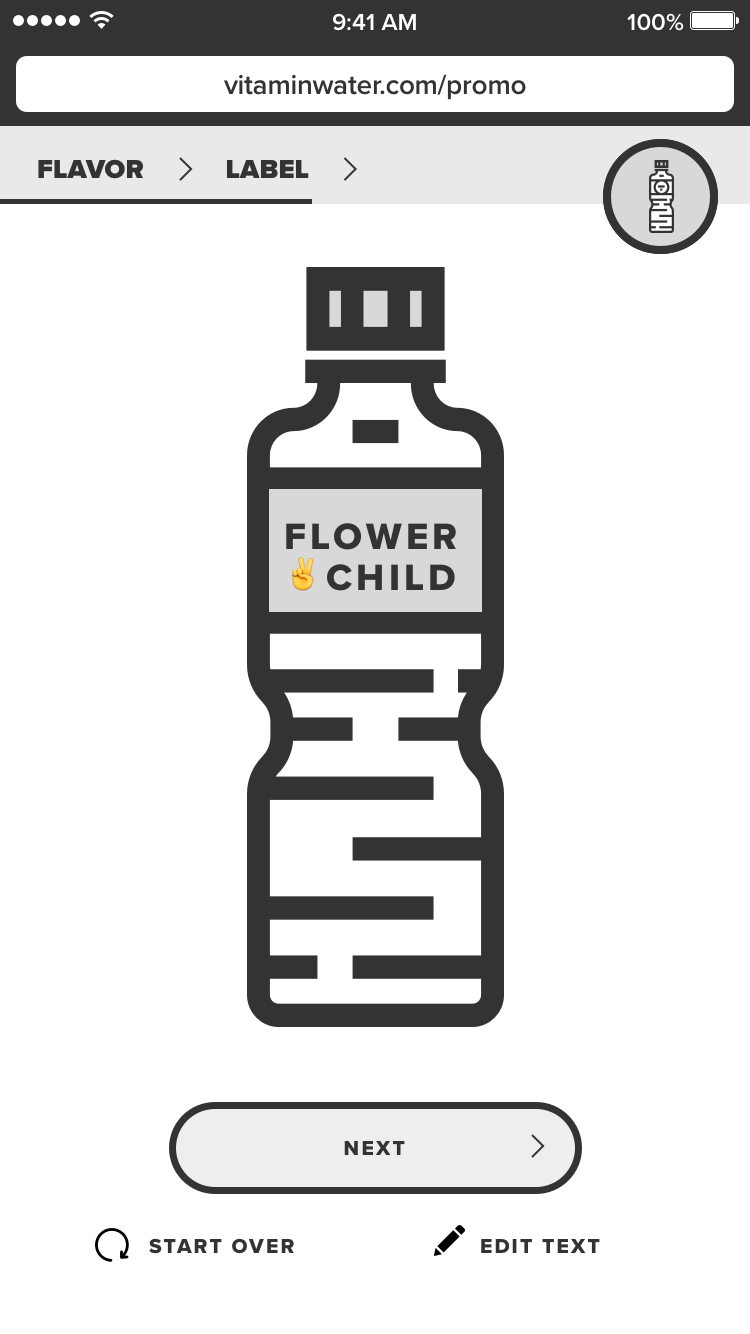
Final Design
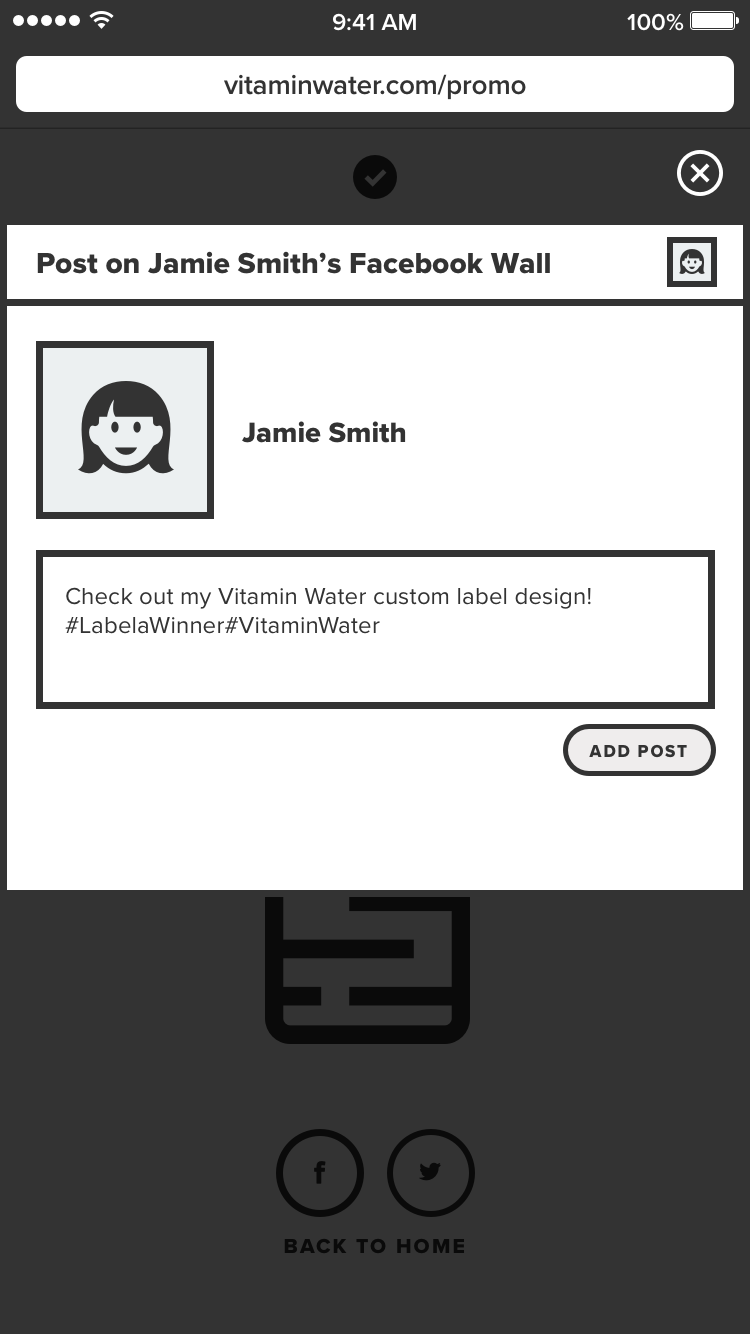
These are the step-by-step process to customize the label and sharing on Twitter (Now X) and Facebook.
Label Maker
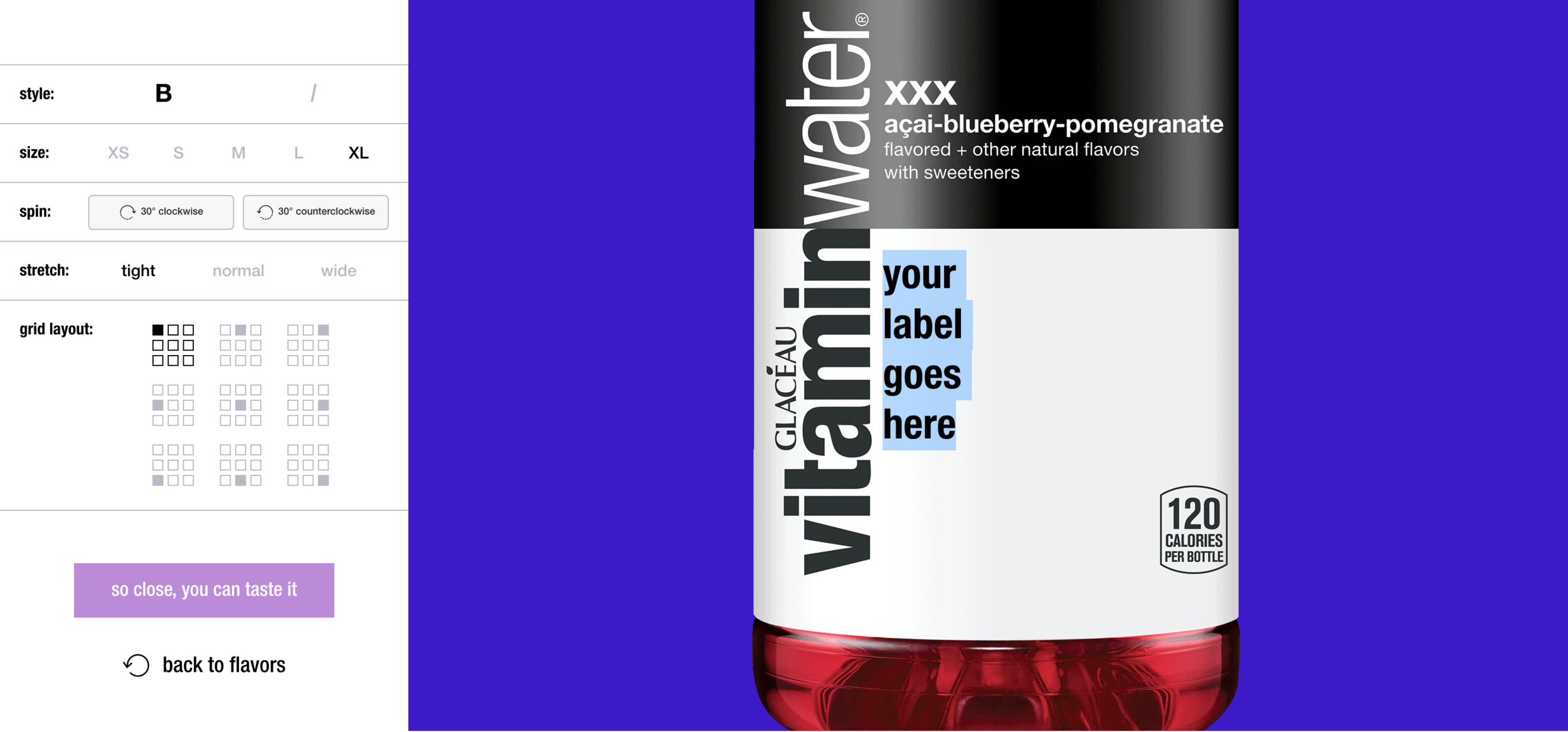
The label maker was the most challenging feature from both a design and development perspective. Because labels offer such limited space, only a certain amount of text can fit while maintaining readability and visual appeal. Our goal was to give users creative freedom and make the experience of designing their own label both intuitive and enjoyable. To achieve this, we structured customization options around key design controls, including style, size, rotation, stretch, and grid layout.
There are two ways that contestants can submit their label to officially enter the contest:
01 — Twitter: Post a completed label entry to their personal Twitter account through the contest experience, using the pre-populated #vwlabelcontest.
02 — Instagram: Download the label entry image and manually repost to their personal Instagram account using #vwlabelcontest in the post.